Building intelligent features into .NET applications often feels like assembling a jigsaw puzzle with pieces from different manufacturers. You’re juggling models, vector databases, ingestion pipelines, and agent frameworks—each with its own quirks and update cycles. That’s why the team behind ConferencePulse created a composable, extensible toolkit. Instead of piecing together mismatched libraries, they built a unified stack that lets developers focus on functionality rather than integration headaches.
In this article, we walk through 10 essential components used to build ConferencePulse, a live conference assistant that powers polls, Q&A, insights, and summaries. Every element is designed to work together—and with your existing .NET projects. Whether you’re new to AI or scaling existing apps, these building blocks will save you time and reduce maintenance. Let’s dive in.
1. The Vision: AI-Powered Live Conference Assistant
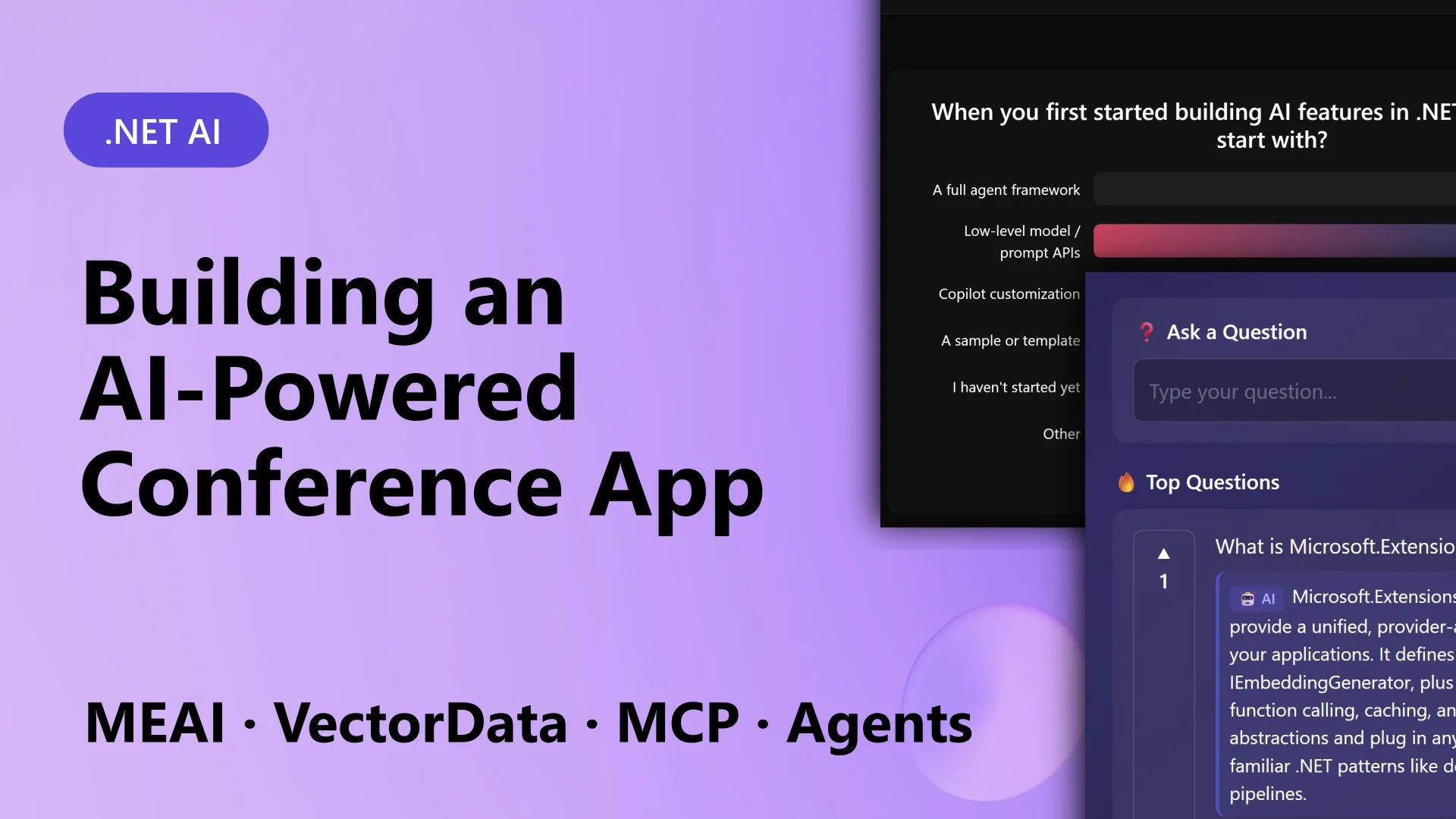
ConferencePulse started as a way to make conference sessions more interactive—no more passive slide decks. Attendees scan a QR code to join a session, where they can vote in live polls and ask questions. Behind the scenes, AI generates poll questions based on the session’s content, answers audience questions using retrieval-augmented generation (RAG), spots patterns in engagement data, and produces a session summary when the presenter ends. The entire app is built on .NET 10, Blazor Server, and Aspire, with five focused projects handling UI, core logic, ingestion, agents, and MCP. By showing this stack in action, the team proved how seamlessly these components can integrate.
2. Unified AI Abstraction with Microsoft.Extensions.AI
One of the biggest headaches in AI development is swapping providers when performance or cost changes. Microsoft.Extensions.AI solves this with IChatClient, a single interface that works with OpenAI, Azure OpenAI, Ollama, Foundry Local, and more. Every call to an AI model—whether for generating polls, answering questions, or summarizing—goes through the same abstraction. This means you can switch from Azure OpenAI to a local model with just a configuration change, without rewriting a single line of logic. For ConferencePulse, this allowed rapid experimentation during development and gives operators the freedom to choose the best provider for each deployment.
3. Seamless Data Ingestion with Microsoft.Extensions.DataIngestion
To ground AI responses in real content, ConferencePulse needs to ingest session materials from GitHub repos, markdown files, and documentation. The data ingestion pipeline (Microsoft.Extensions.DataIngestion) handles this automatically: point the app at a repo, and it downloads the markdown, cleans it, and stores it in a searchable format. This pipeline is highly customizable—you can add steps for chunking, metadata extraction, or format conversion. For the conference app, ingestion turned a GitHub wiki into a knowledge base that powers every AI feature. Without it, preparing content would be manual and error-prone.
4. Vector Search Made Simple with Microsoft.Extensions.VectorData
After ingesting content, the next step is making it searchable. That’s where Microsoft.Extensions.VectorData comes in. It provides a unified abstraction for vector databases like Qdrant, Pinecone, or Azure Cognitive Search. You can store embeddings and perform similarity searches without locking into a specific backend. ConferencePulse uses this for its RAG pipeline: when an attendee asks a question, the app retrieves relevant chunks from the knowledge base and passes them to the AI model. Because the vector store is abstracted, the team can test with Qdrant locally and switch to a cloud service in production without code changes.
5. Agent Orchestration via Microsoft Agent Framework
Multiple AI agents work together in ConferencePulse to analyze polls, questions, and insights concurrently. The Microsoft Agent Framework allows developers to define agents with specific roles, tools, and communication patterns. For instance, one agent focuses on summarizing poll results, another on extracting trends from questions, and a third merges their findings into a final session summary. The framework handles agent lifecycle, message passing, and error recovery. This modular approach makes it easy to add new agents, reuse them across projects, and debug complex workflows without spaghetti code.
6. Model Context Protocol (MCP) for Tool Integration
AI models are powerful but often need to call external tools—like fetching live data or triggering actions. Model Context Protocol (MCP) provides a standardized way to expose tools as MCP servers and let clients (like agent frameworks) discover and invoke them. In ConferencePulse, MCP servers expose endpoints for getting current poll results, querying the knowledge base, and updating session state. This decoupling means any AI component—whether an agent or a direct prompt—can use the same tools consistently. It also simplifies testing and monitoring of tool interactions.

7. Full-Stack Blazor Server with .NET Aspire
The user interface runs on Blazor Server, offering real-time interactivity without the complexity of a separate frontend framework. Under the hood, .NET Aspire orchestrates the cloud-native dependencies: Qdrant for vector storage, PostgreSQL for relational data, and Azure OpenAI for AI models. Aspire provides built-in health checks, logging, and configuration management, so the team can focus on app logic rather than infrastructure plumbing. The result is a cohesive stack where UI, AI, and data layers share the same .NET ecosystem, reducing friction and speeding up development.
8. Live Polls and AI-Generated Questions
During a session, the presenter can trigger AI-generated polls based on the current topic. The system retrieves relevant content from the knowledge base, uses the AI abstraction to craft multiple-choice questions, and pushes them to attendees’ devices via Blazor Server’s real-time connection. As votes come in, results update instantly on the presenter’s screen. This feature turns a one-way presentation into an engaging dialogue, and because the content is grounded in the session materials, questions stay relevant and accurate.
9. Real-Time Q&A with RAG Pipeline
Attendees type questions, and the app answers them in real time using a retrieval-augmented generation (RAG) pipeline. The pipeline first uses vector search (via VectorData) to find the most relevant chunks from the knowledge base, then passes them to the AI model (via Extensions.AI) along with the question. The model generates an answer that is factually grounded in the source material. The same pipeline also supports follow-up questions and can cite sources. This eliminates the need for presenters to handle every query manually and ensures answers are consistent across the audience.
10. Automated Session Insights and Summaries
When the session wraps up, multiple AI agents work concurrently to analyze everything that happened. One agent processes poll results to identify key takeaways, another examines question patterns to see what confused attendees, and a third produces a natural-language summary. The agents use the Agent Framework to communicate and merge their conclusions into a single report. This summary can be shared with the presenter and attendees, providing instant value beyond the session. Because the entire process is automated, there’s no need for manual note-taking or post-event analysis.
ConferencePulse demonstrates how .NET’s composable AI stack can transform a typical event app into an intelligent, interactive experience. By leveraging these 10 building blocks—from unified AI abstractions to agent orchestration—developers can build similar solutions without reinventing the wheel. Each component is designed for extensibility and long-term maintenance, so your app can evolve as AI technology advances. Whether you’re building a conference assistant, a customer support tool, or an internal knowledge base, these pieces will help you deliver faster, smarter, and more reliably.